> ## Documentation Index
> Fetch the complete documentation index at: https://www.bolna.ai/docs/llms.txt
> Use this file to discover all available pages before exploring further.
# Bolna AI Updates for August, 2025
> Explore the latest features, improvements, and API updates introduced in August 2025 for Bolna Voice AI agents.
## Support for scheduling calls at a future timestamp in `/call` endpoint.
* If `scheduled_at` is provided, the call will be queued and executed at that timestamp. Refer [docs](https://www.bolna.ai/docs/api-reference/calls/make#body-scheduled-at).
## Instantly Clone Voices with a Single Click
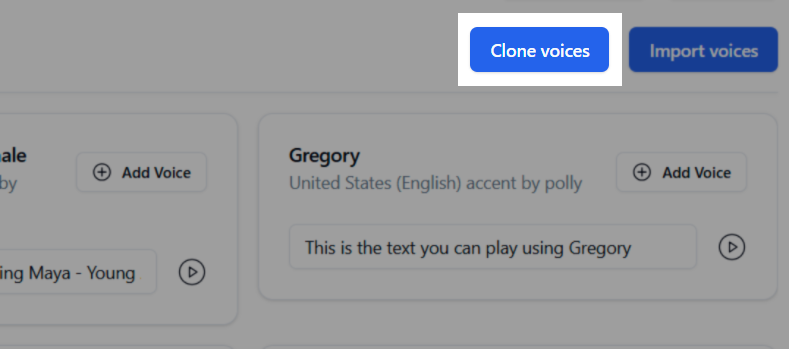
* You can now create high-quality AI clones of any voice directly from the Voice Lab.
* Simply provide a name and a 1-2 minute audio sample to generate a new, unique voice for your agents.
* Voice cloning is powered by leading providers like ElevenLabs to ensure top-tier quality. Learn more in our [new guide to cloning voices](https://www.bolna.ai/docs/clone-voices).
 ## Added `OpenRouter` support
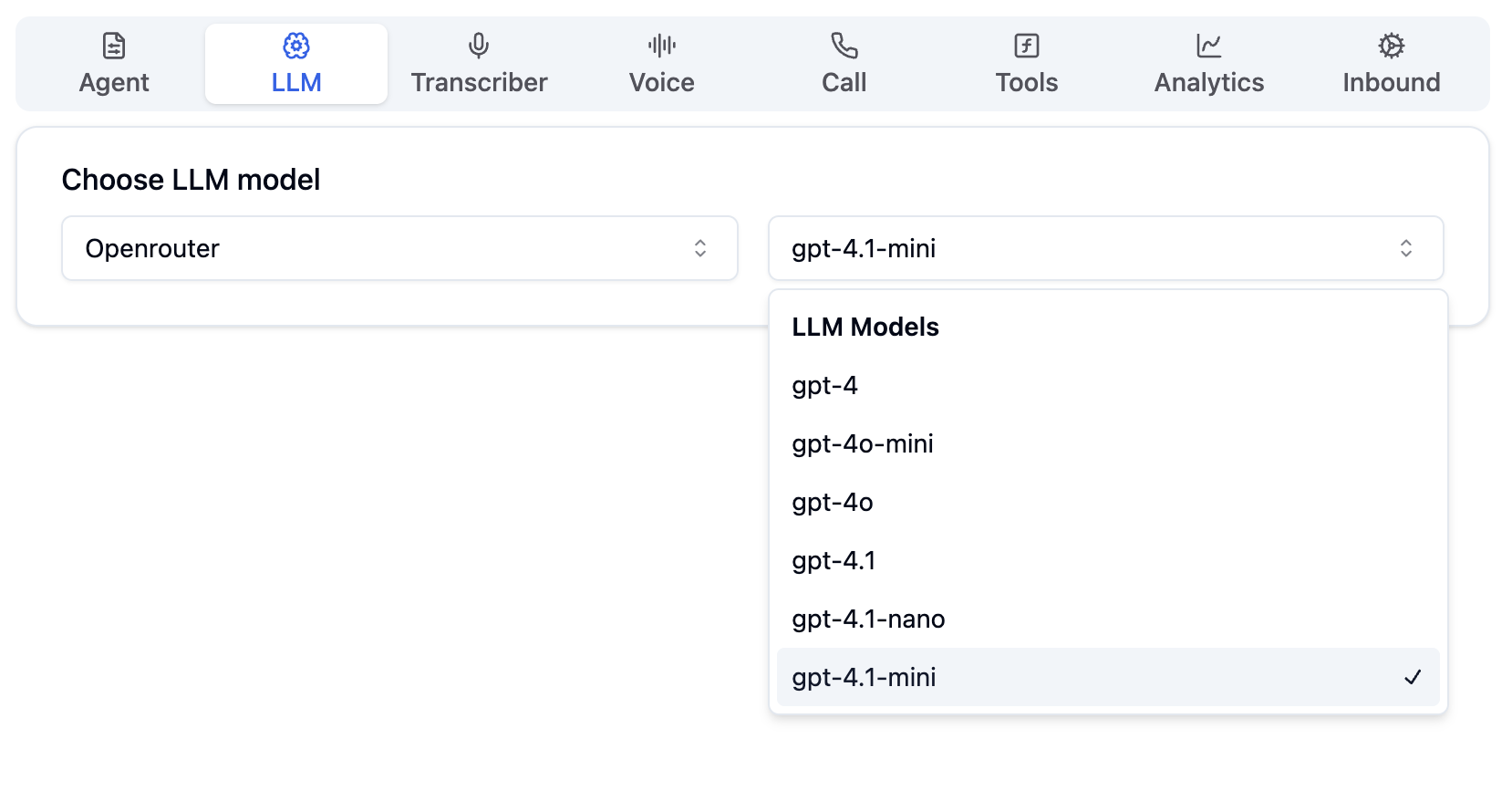
* Support for the following models via [OpenRouter](/docs/providers/llm-model/openrouter). Learn more about OpenRouter from their [official website](https://openrouter.ai).
1. `gpt-4.1` OpenRouter OpenAI
2. `gpt-4.1-mini` OpenRouter OpenAI
3. `gpt-4.1-nano` OpenRouter OpenAI
4. `gpt-4o` OpenRouter OpenAI
5. `gpt-4o-mini` OpenRouter OpenAI
6. `gpt-4` OpenRouter OpenAI
## Added `OpenRouter` support
* Support for the following models via [OpenRouter](/docs/providers/llm-model/openrouter). Learn more about OpenRouter from their [official website](https://openrouter.ai).
1. `gpt-4.1` OpenRouter OpenAI
2. `gpt-4.1-mini` OpenRouter OpenAI
3. `gpt-4.1-nano` OpenRouter OpenAI
4. `gpt-4o` OpenRouter OpenAI
5. `gpt-4o-mini` OpenRouter OpenAI
6. `gpt-4` OpenRouter OpenAI
 ## Add your own `OpenRouter` API keys
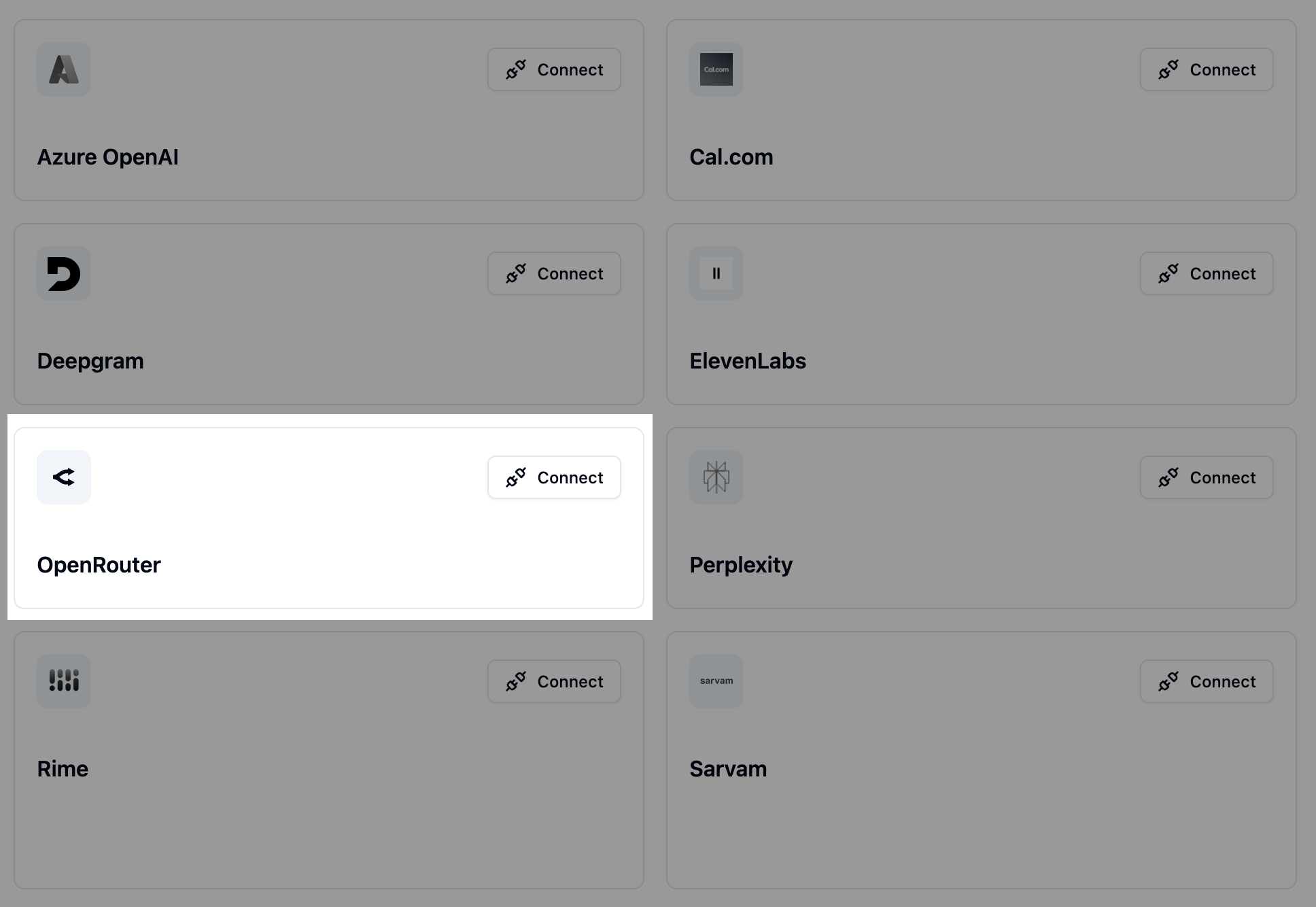
* Use your own OpenRouter account by adding your API Key to the [OpenRouter provider](https://www.bolna.ai/docs/providers).
## Add your own `OpenRouter` API keys
* Use your own OpenRouter account by adding your API Key to the [OpenRouter provider](https://www.bolna.ai/docs/providers).