

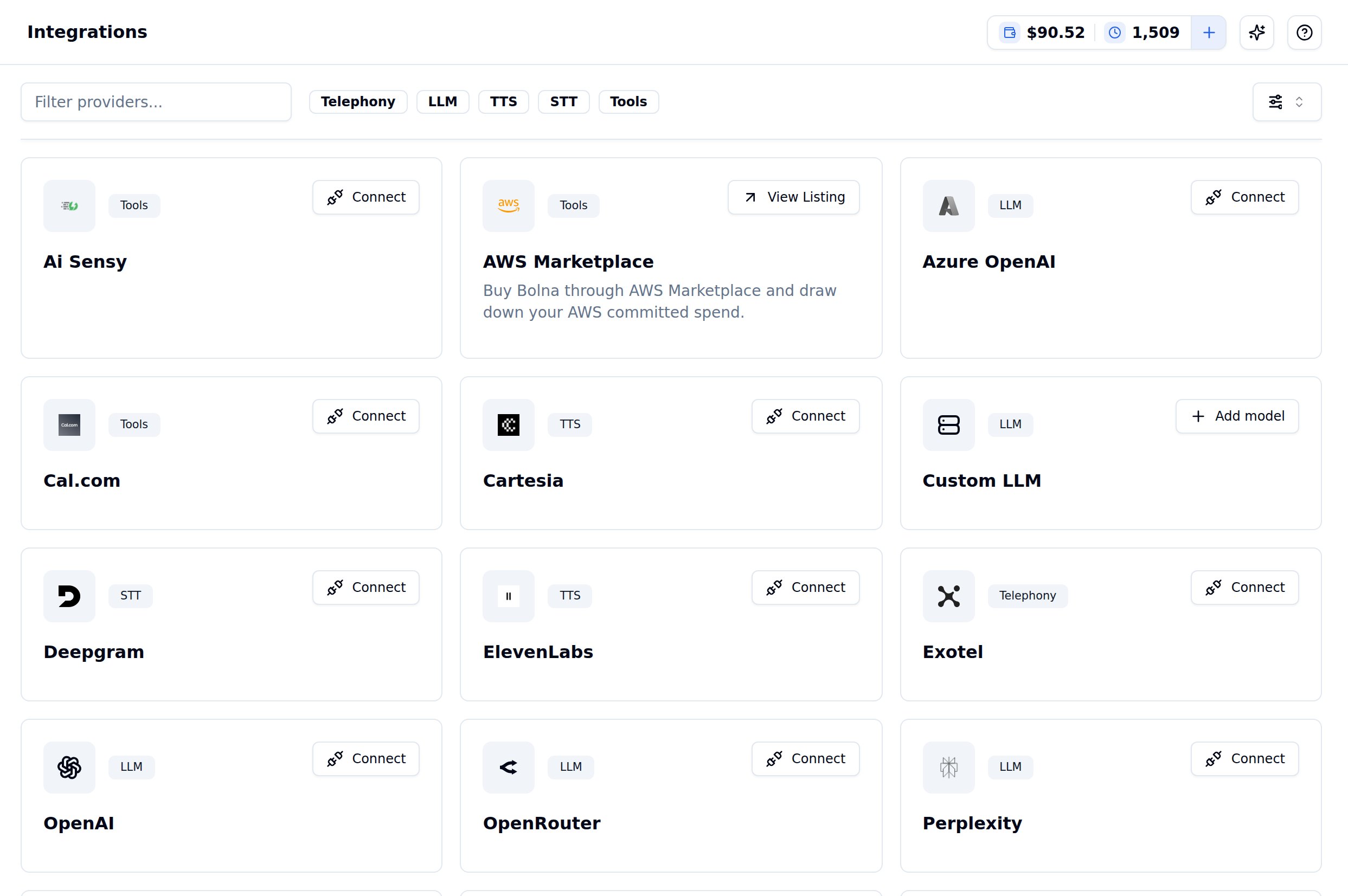
Settings → Integrations, with the Telephony, LLM, TTS, STT and Tools filters
Bolna doesn’t charge for usage on providers you connect yourself — you pay that provider directly.
See Connect Providers for the credentials each one needs.
Telephony
Connect a telephony account to place and receive calls on your own phone numbers. Filter by Telephony on Settings → Integrations.Connect your Twilio account
Connect your Twilio phone numbers with Bolna
Connect your Plivo account
Connect your Plivo phone numbers with Bolna
Connect your Exotel account
Connect your Exotel phone numbers with Bolna
Connect your Vobiz account
Connect your Vobiz phone numbers with Bolna
LLM
Connect a model provider to run your agent’s brain on your own account. Filter by LLM on Settings → Integrations.Connect your OpenAI account
Connect your OpenAI account with Bolna
Connect your Azure OpenAI account
Connect your Azure account with Bolna
Connect your OpenRouter account
Reach many model families through one OpenRouter key
Connect your Perplexity account
Connect your Perplexity account with Bolna
Connect your Deepseek account
Connect your Deepseek account with Bolna
Register a Custom LLM
Point Bolna at any self-hosted or third-party OpenAI-compatible endpoint
TTS
Connect a text-to-speech account to use your own voices and billing. Filter by TTS on Settings → Integrations.Connect your ElevenLabs account
Connect your ElevenLabs account with Bolna
Connect your Cartesia account
Connect your Cartesia account with Bolna
Connect your Sarvam account
Indic voices on your own Sarvam account
Connect your Rime account
Connect your Rime account with Bolna
Connect your Smallest account
Connect your Smallest account with Bolna
Connect your Deepgram account
Use Deepgram Aura voices on your own account
STT
Connect a speech-to-text account to transcribe calls on your own billing. Filter by STT on Settings → Integrations.Connect your Deepgram account
Connect your Deepgram account with Bolna
Connect your Soniox account
Add your
SONIOX key to transcribe on your own accountConnect your Google account
Add your
GOOGLE key to use Gemini transcriptionConnect your Sarvam account
Indic transcription on your own Sarvam account
Connect your Azure account
Use Azure Speech transcription on your own account
Connect your Smallest account
Connect your Smallest account with Bolna
Tools
Connect a tool account so your agent can act during a live call or a workflow. Filter by Tools on Settings → Integrations.Connect your Cal.com account
Let your agent check and book calendar slots mid-call
Connect your AiSensy account
Connect your AiSensy account with Bolna to send WhatsApp templates from a workflow
Automation platforms
These connect to Bolna from the platform’s own side rather than from Settings → Integrations.Use Bolna with Zapier
Connect your Zapier account with Bolna
Use Bolna with Make.com
Connect your Make.com account with Bolna
Use Bolna with viaSocket
Use Bolna as a node in your viaSocket workflows