

What is a knowledge base?
Knowledge Base allows you to upload documents and add URLs that your AI agent can reference during conversations. Using RAG (Retrieval-Augmented Generation), your agent retrieves relevant information and provides accurate, context-aware responses.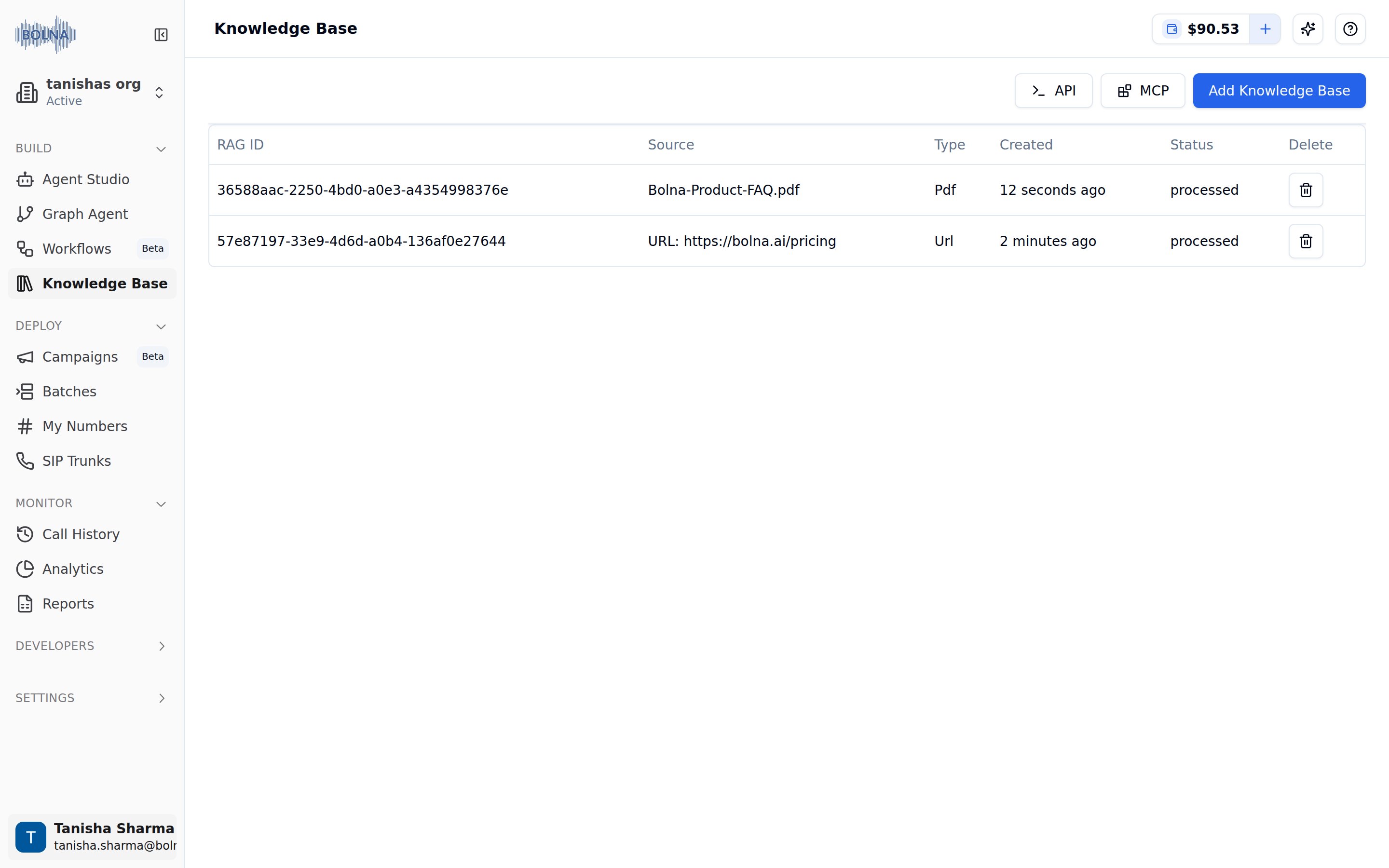
Knowledge Base page listing a processed PDF and URL source
How to access knowledge base
1
Go to Bolna Platform
Navigate to platform.bolna.ai
2
Open Knowledge Base
Click Build → Knowledge Base in the left sidebar.
3
Add New Content
Click the blue Add Knowledge Base button to get started.
Set up a knowledge base
1
Add your sources
Upload PDFs or add website URLs. See Add PDFs and URLs.
2
Connect it to your agent
Wait for the source to finish processing, then select it in the agent’s Intelligence tab. See Manage and connect.
Use cases
Product documentation
Answer questions about your products and services
FAQ responses
Provide accurate answers from your FAQ pages
Policy information
Reference company policies during calls
Training materials
Help agents access training and onboarding content
Next steps
Add PDFs and URLs
Upload documents and websites for your agent to reference
Manage and connect
Track processing status and attach knowledge bases to an agent
Knowledge bases API
Create, list and delete knowledge bases over the API
Prompting guide
Prompting best practices