

2xx status. Anything else counts as failed: any other status code, a timeout, or a connection that couldn’t be made.
All agents: Analytics
Open Analytics under Monitor in the sidebar, then switch the view picker at the top from Conversation data to Webhook delivery.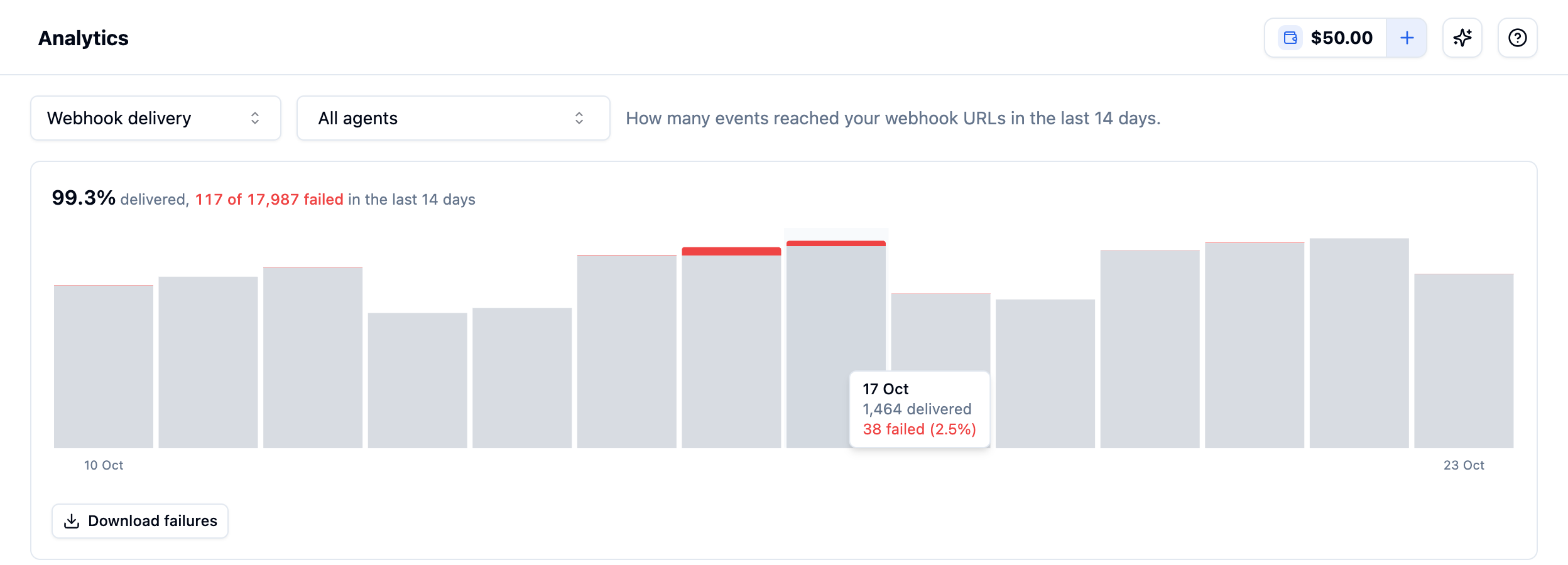
The Webhook delivery view in Analytics across all agents, with the tooltip for one day
- Agent selector: leave it on All agents for your whole account, or pick one agent. The page URL changes to
/analytics/webhooks/<agent_id>, so you can bookmark or share the view for one agent. - Summary: the share of deliveries that got through, and how many failed out of the total.
- Daily chart: one bar per day, with failed deliveries in red on top. Hover a bar to see that day’s delivered and failed counts.
One agent: Delivery health
To check a single agent while you’re editing it, open the agent, go to the Extractions tab and click Delivery health on the Webhook Configuration card.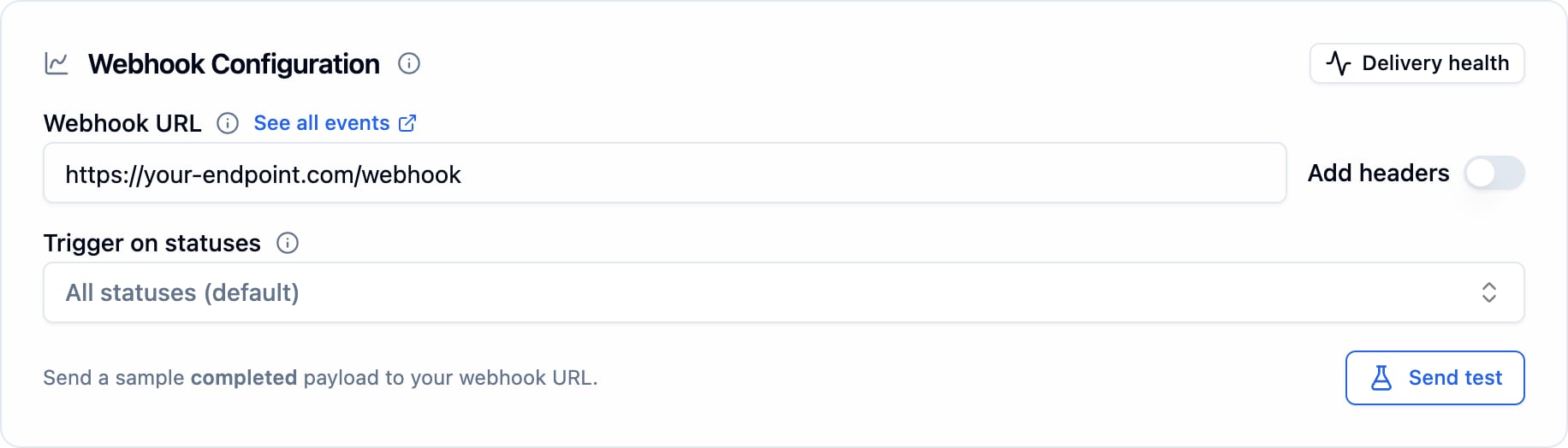
Delivery health on the Webhook Configuration card
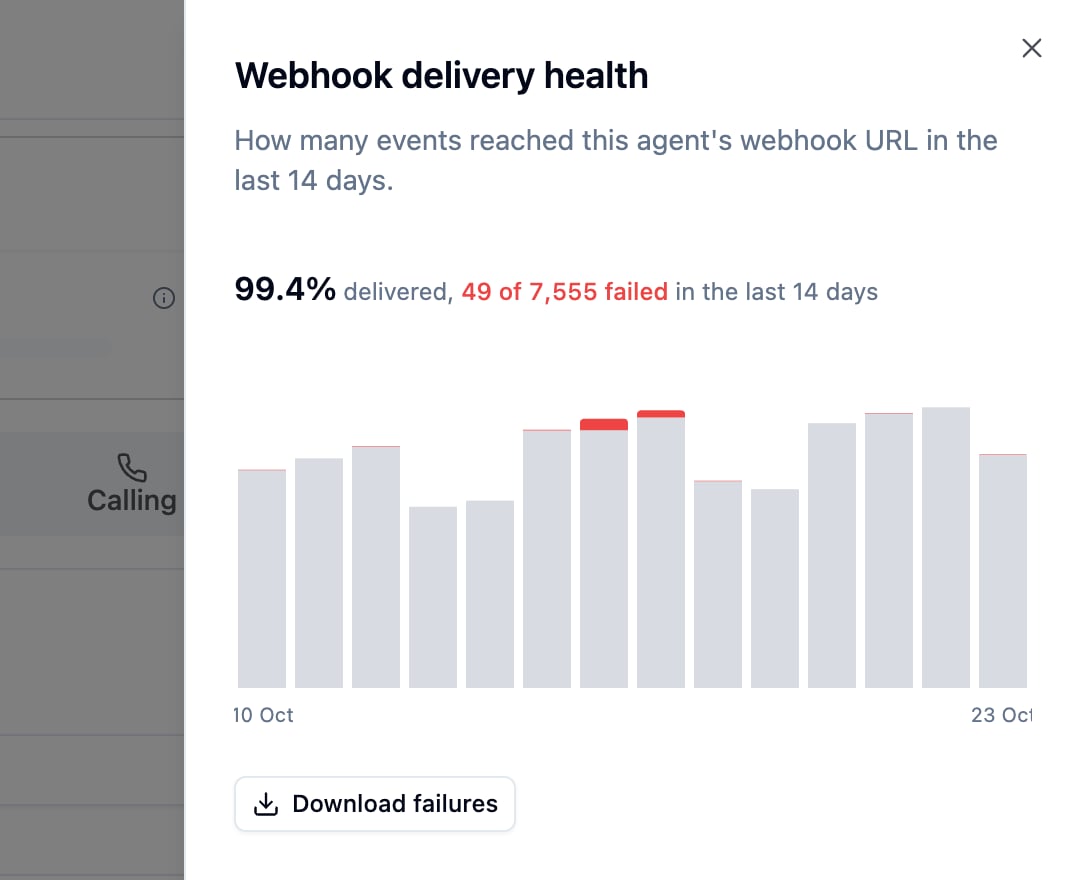
The Delivery health panel for one agent
Download failed deliveries
When there are failures in the window, click Download failures to get them as a CSV. It covers whatever the view shows: all agents, or the one agent you picked.
The file holds up to the 10,000 most recent failures. Header values you set under Add headers are never included.
To look at one failed call in detail, fetch its
execution_id with the debug bundle API. Its logs end with the call’s webhook deliveries.
What the numbers cover
- The last 14 days, by UTC day. Today is a partial day, and days with no deliveries show as empty bars.
- Each delivery, not each call. Bolna posts once per status change, so one call usually produces several deliveries. Use Trigger on statuses on the Webhook Configuration card to send fewer.
- Only agents with a webhook URL. An agent with no URL set sends nothing and has nothing to show.
Fix failing deliveries
If failures keep coming, work through My webhook never arrived. The usual causes are a firewall that doesn’t allow all three of Bolna’s source IPs, an endpoint that isn’t publicly reachable, and a handler that returns a non-2xx status or responds too slowly.