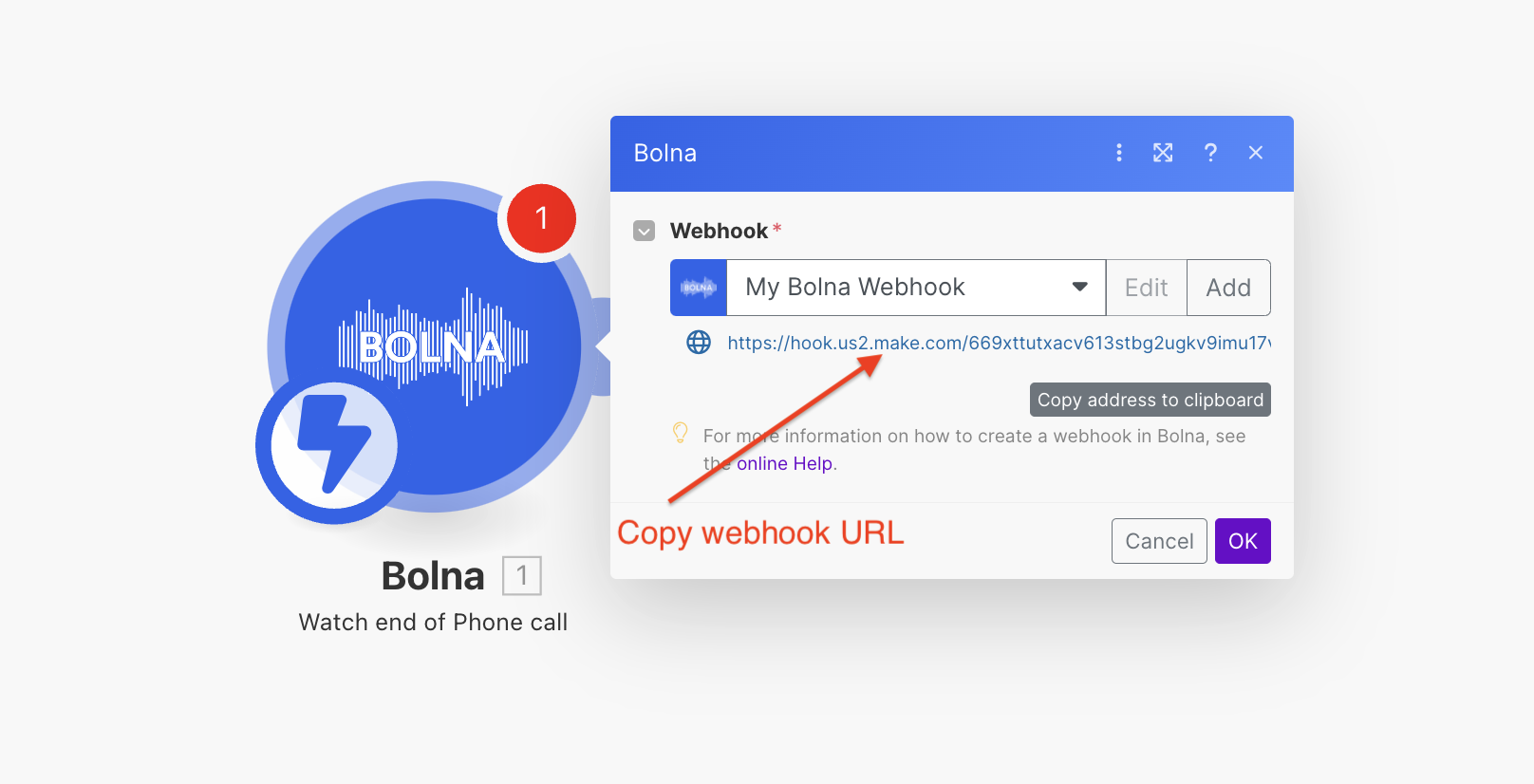
Adding "Bolna Watch end of Phone call" module to make.com
2
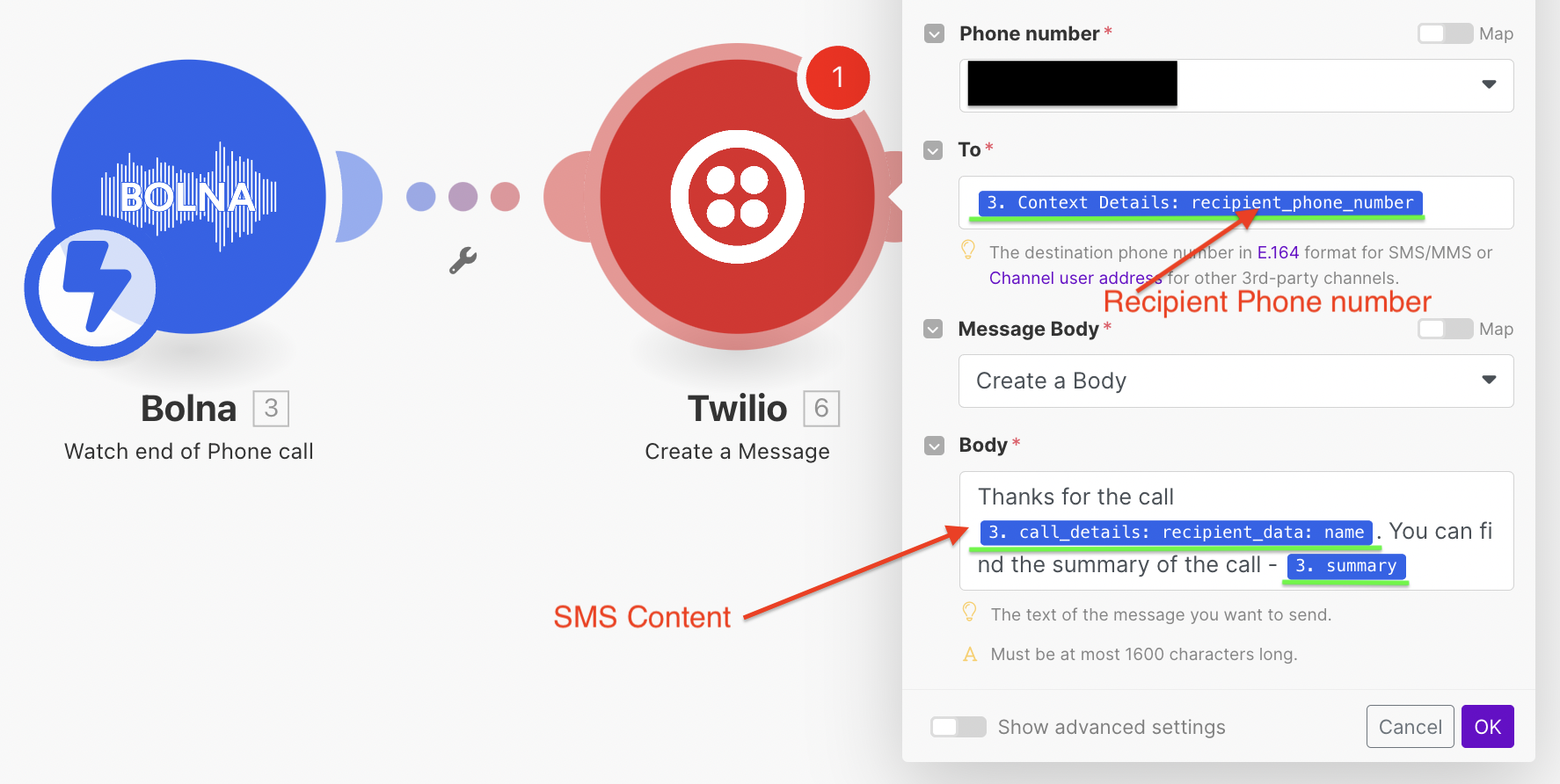
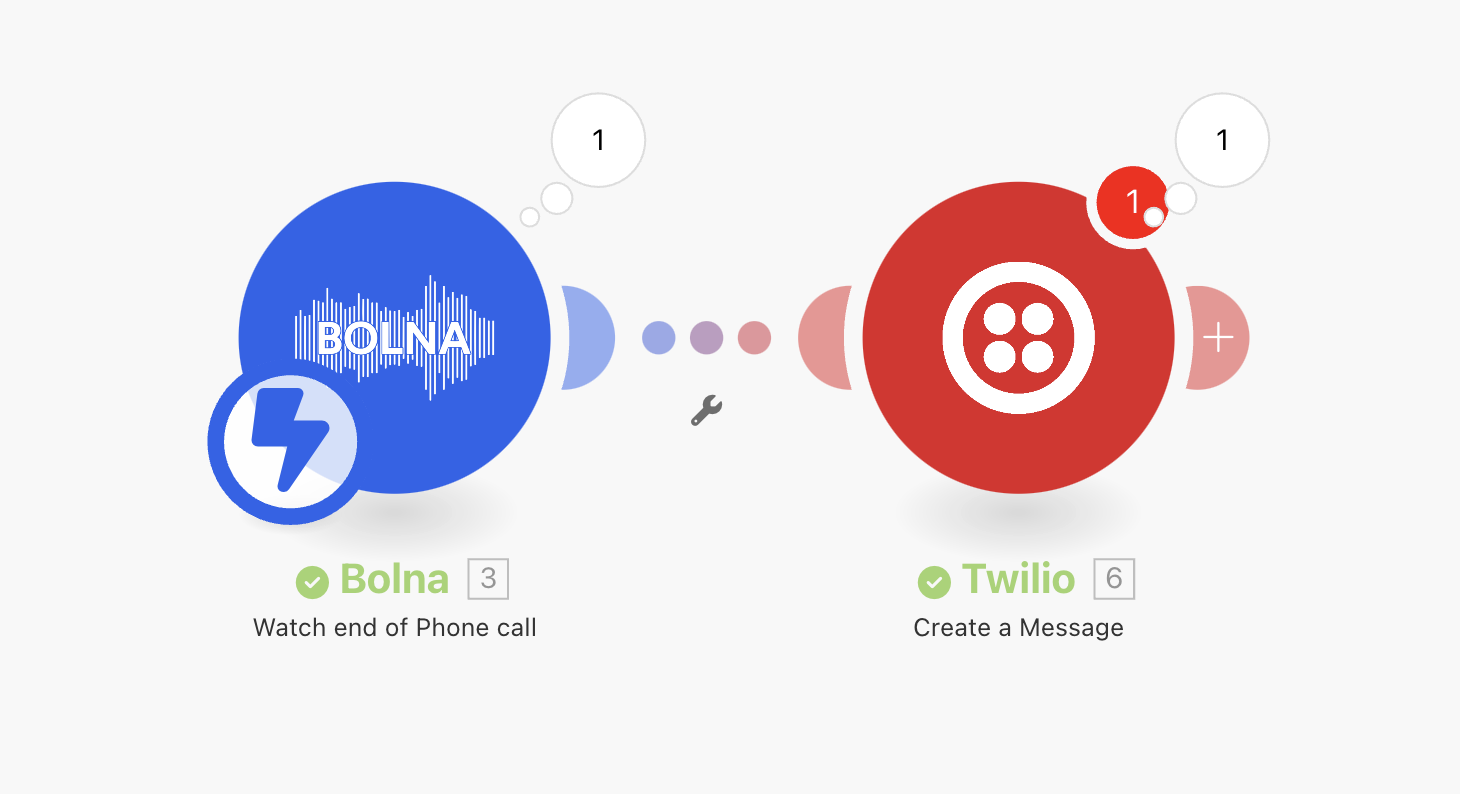
Add the SMS module. For this tutorial, we've used Twilio. You can use any other SMS Provider as well.
Adding Twilio SMS module with Bolna AI
Please note:
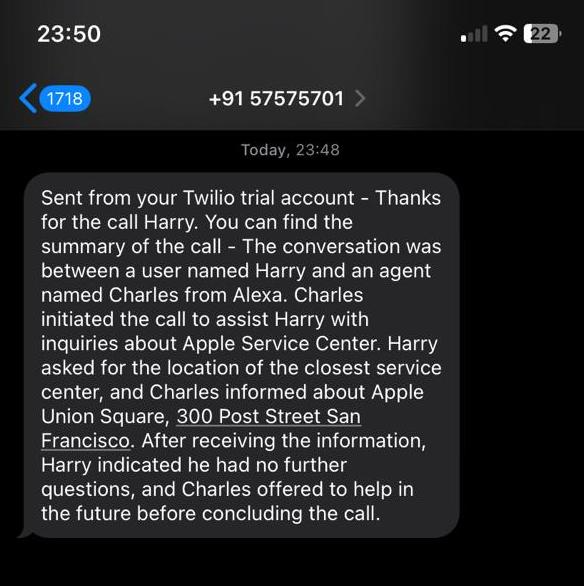
If you want to use the call summary, enable the agent’s Call Summary toggle (call_summary_enabled, off by default) — the summary is then provided under "summary" as shown below.
using call summary
......"summary": "The conversation was between a user named Harry and an agent named Charles from Alexa. Charles initiated the call to assist Harry with inquiries about Apple Service Center. Harry asked for the location of the closest service center, and Charles informed about Apple Union Square, 300 Post Street San Francisco. After receiving the information, Harry indicated he had no further questions, and Charles offered to help in the future before concluding the call.",...
Any dynamic variables you pass for making the call, can be retrieved from "context_details" > "recipient_data" as shown below: