

Following are the steps to create a API connection
In this tutorial, we will:- Create a new Bolna API connection
1
Navigate to Zapier Apps section and click "Add Connection"
Go to https://zapier.com/app/connections to manage apps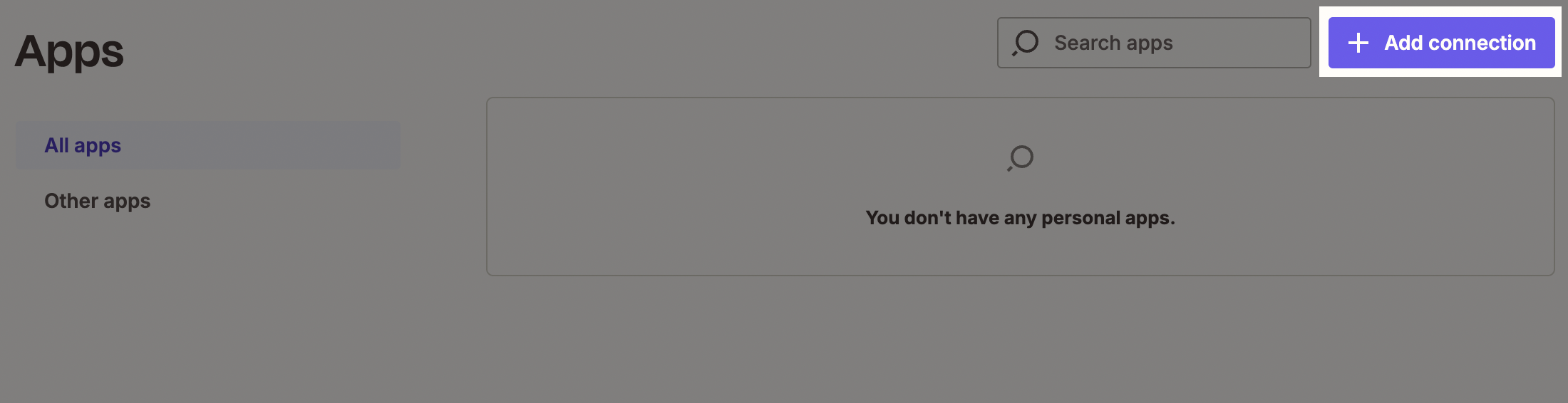
Zapier Apps section
2
Search and select "Bolna" from the list of apps
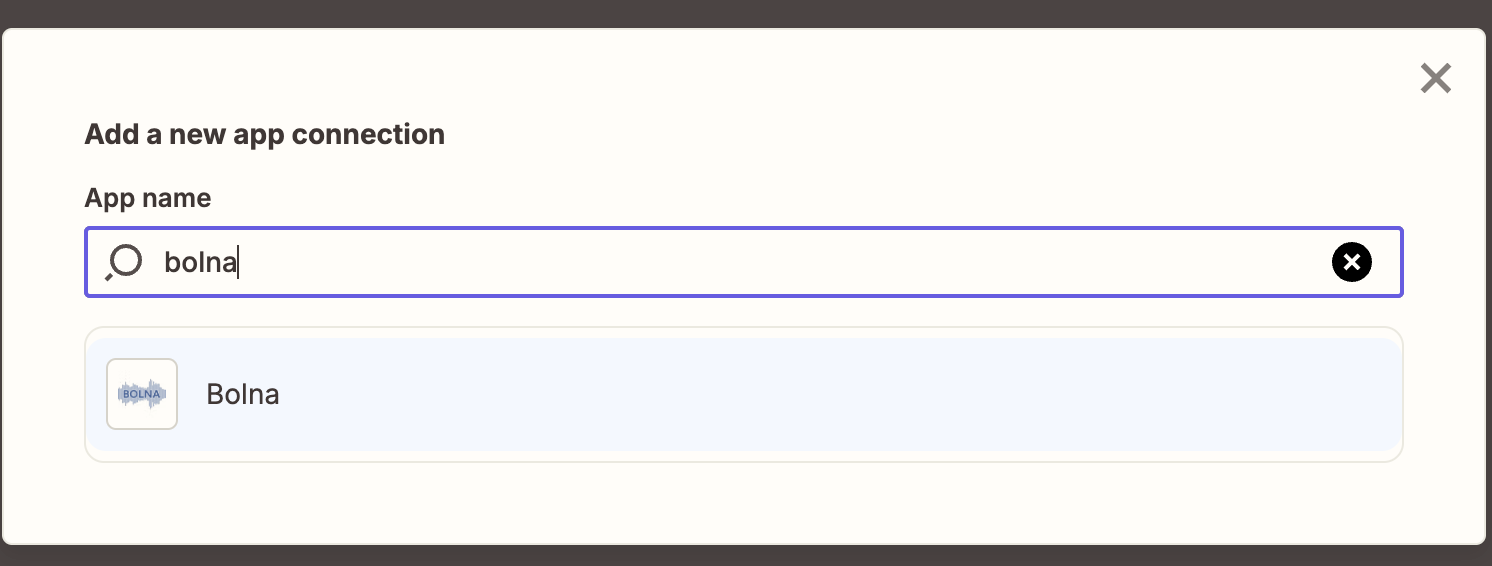
Selecing Bolna on Zapier Apps
3
Generate and copy the new API Key from Bolna dashboard
Please refer to this documentation for creating a new API Key.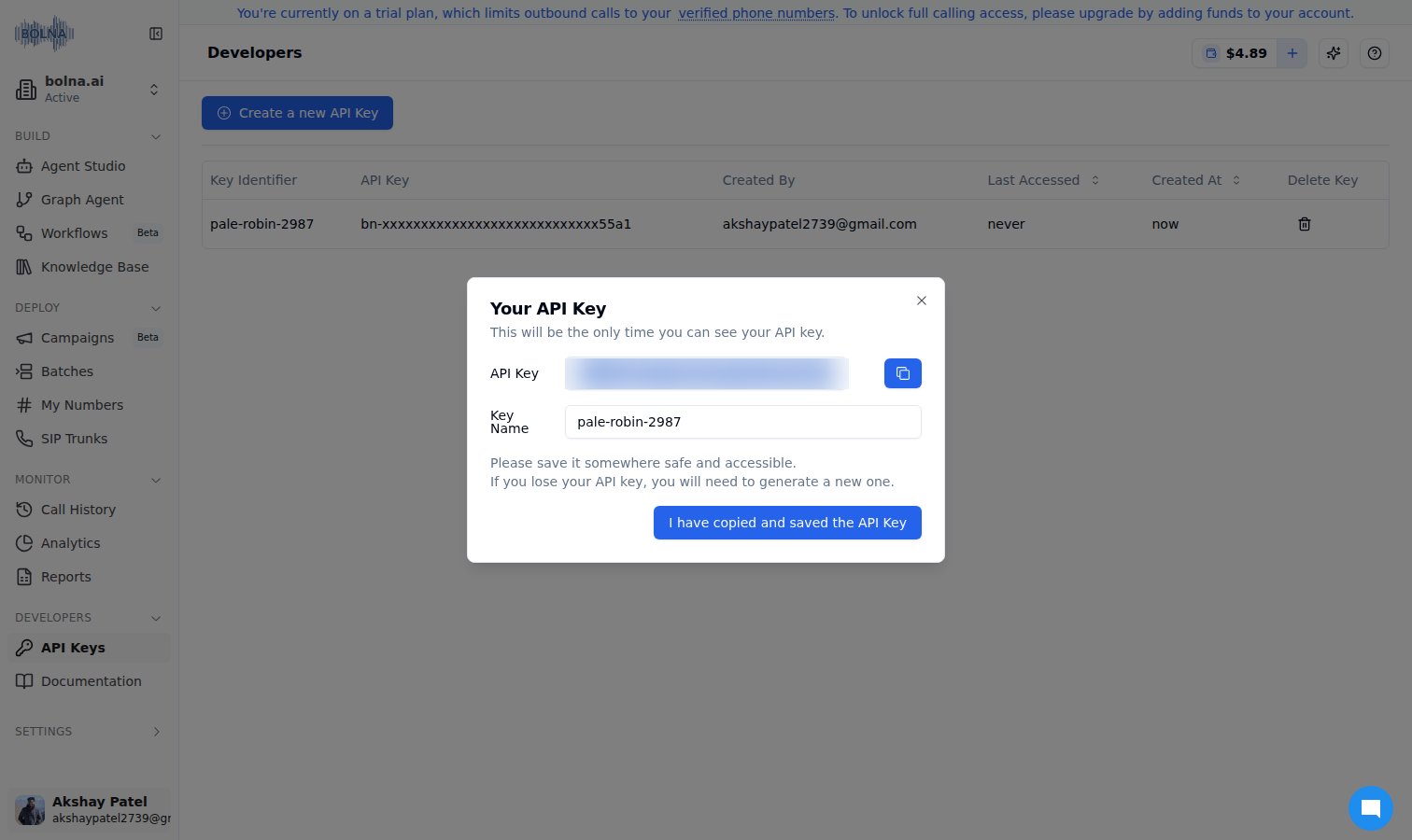
Generating a new API Key on Bolna Dashboard
4
Paste the API Key from above step in Zapier connection dialog
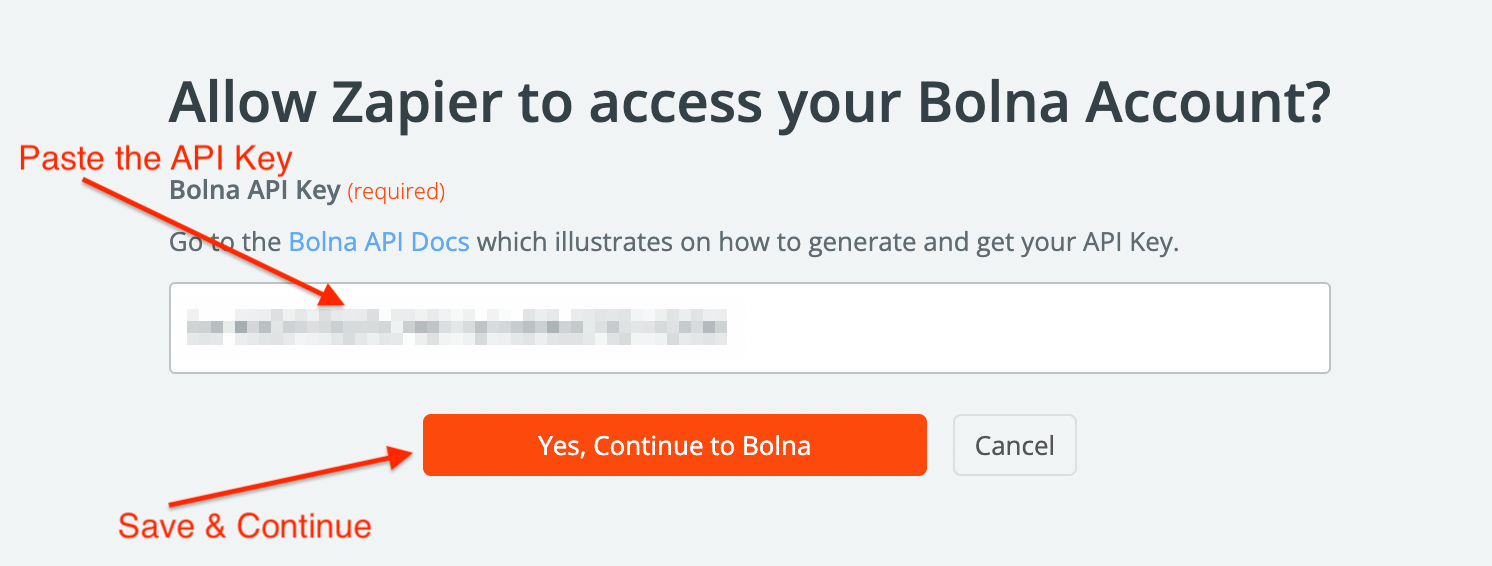
Pasting the Bolna API Key
5
Save and Continue
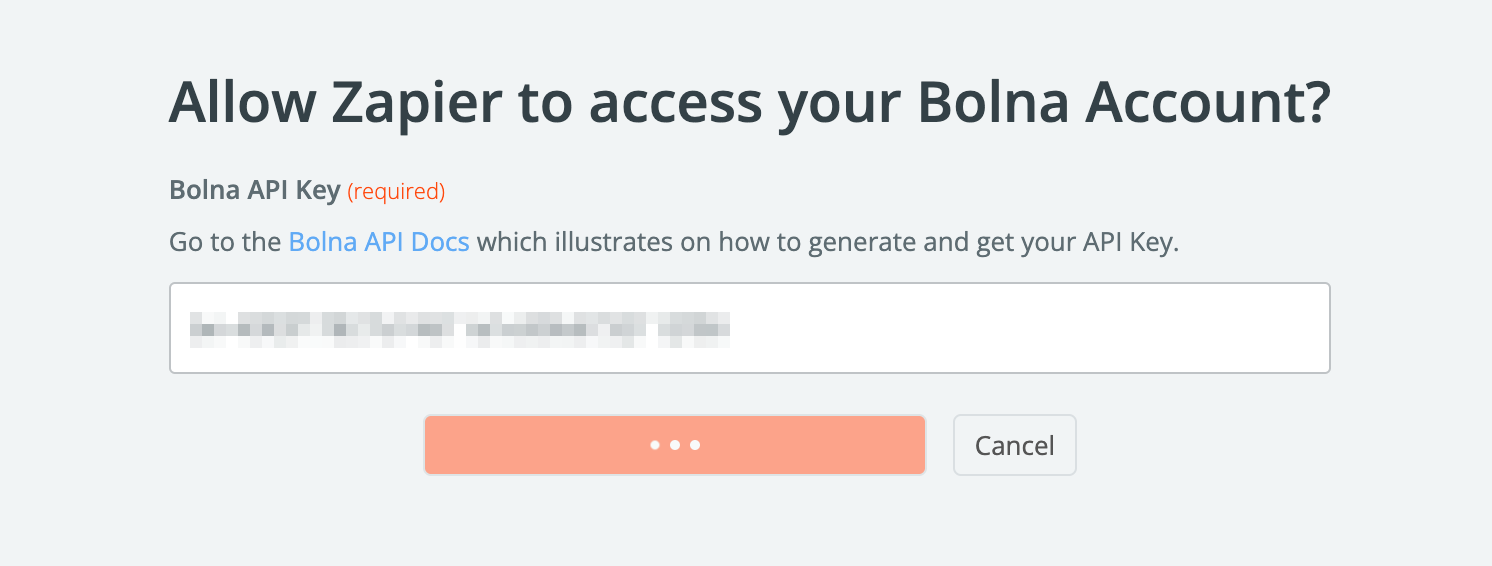
Saving the connection
6
Successfully added Bolna API connection
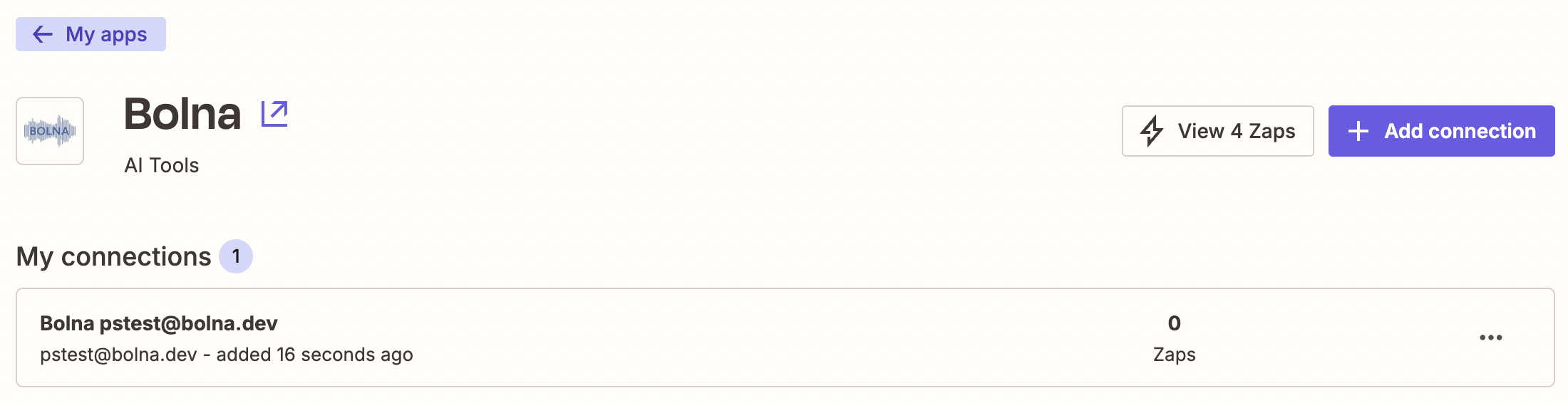
Successfully authenticating and adding the Bolna app connection
After completing the above steps, you can use Action modules to make Bolna APIs call on Zapier.Please refer to Bolna APIs from API reference docs.