

What is Function Calling?
Function calling lets your Voice AI agent execute real-time actions during live conversations. Instead of just responding with text, your agent can transfer calls, book appointments, fetch data from APIs, or trigger any custom workflow.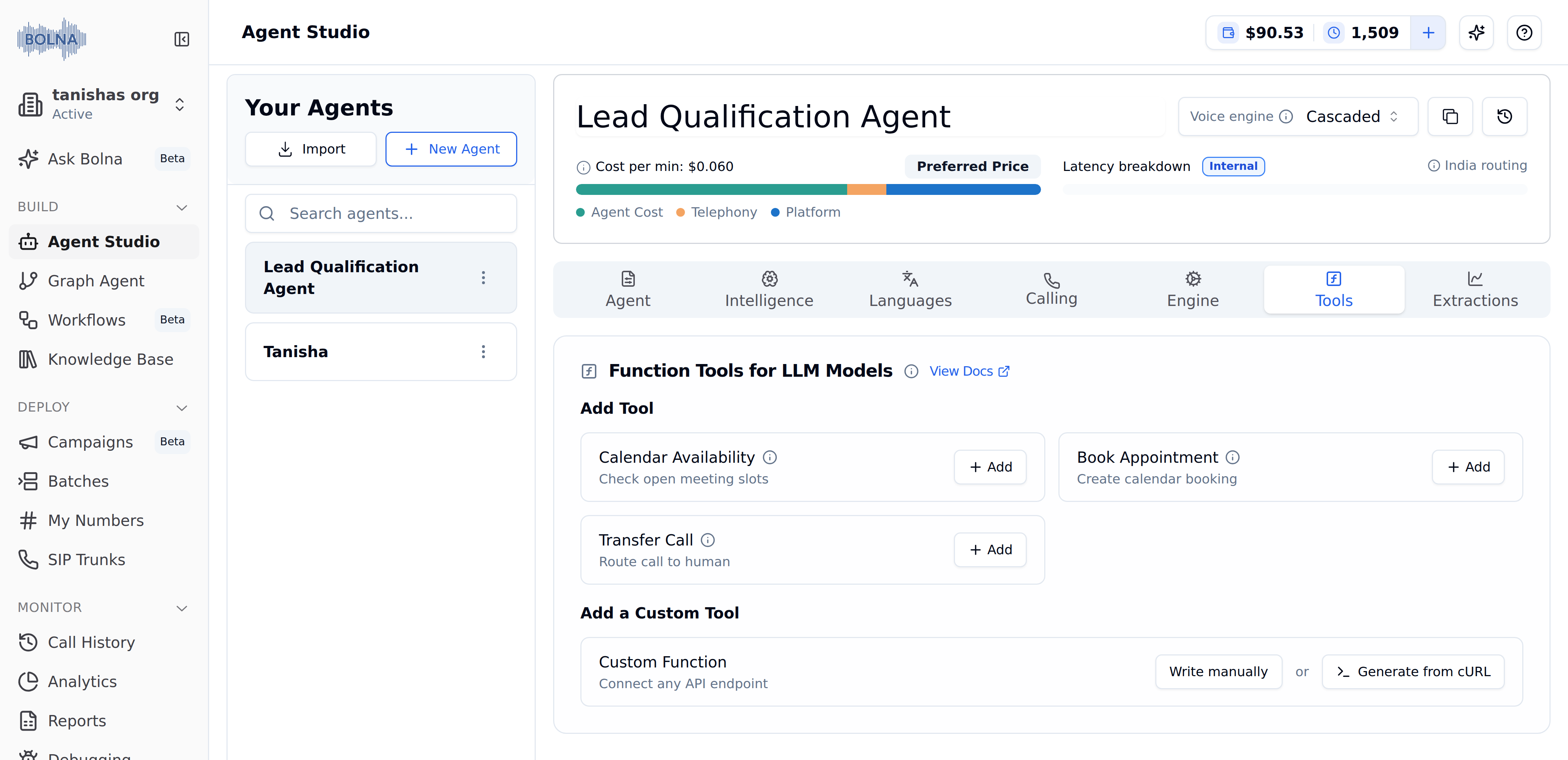
Tools Tab in Bolna showing built-in function tools for Calendar Availability, Book Appointment, Transfer Call, and a Custom Function section with Write manually and Generate from cURL options
Function calling follows the OpenAI specification, so you can reuse existing function schemas with Bolna.
Available Function Tools
Bolna provides built-in tools for common use cases. Click + Add next to any tool in the Tools Tab to enable it.Calendar Availability
Check open meeting slots from Cal.com in real-time
Book Appointment
Create calendar bookings via Cal.com during a call
Transfer Call
Route the call to a human agent or another number
Custom Function
Connect any external API endpoint with a custom schema
How It Works
1
LLM Reads Function Definition
The LLM sees your function’s
name and description to understand what the function does2
Decides When to Call
Based on conversation context, the LLM decides if this function should be triggered
3
Extracts Parameters
The LLM collects required parameter values from the conversation with the caller
4
Bolna Executes API Call
Bolna makes the HTTP request to your API endpoint with the extracted parameters
5
Response Feeds Back
The API response is returned to the LLM, which continues the conversation naturally
Bolna calls your endpoint from a fixed set of source IPs —
13.203.39.153, 13.126.9.249 and 13.202.133.53. Whitelist all three if your API is behind a firewall. See Source IP whitelist.Context Variables
The following variables are automatically available in every conversation and can be passed to function parameters:Variables defined in your agent prompt are automatically substituted in function parameters. Learn more in Using Context Variables.
Next Steps
Custom Functions
Complete guide to building custom API integrations
Transfer Calls
Set up call routing to human agents
Calendar Booking
Integrate Cal.com for appointment scheduling
Tools Tab
Configure tools from the agent setup interface