

How It Works
Enable Restrictions
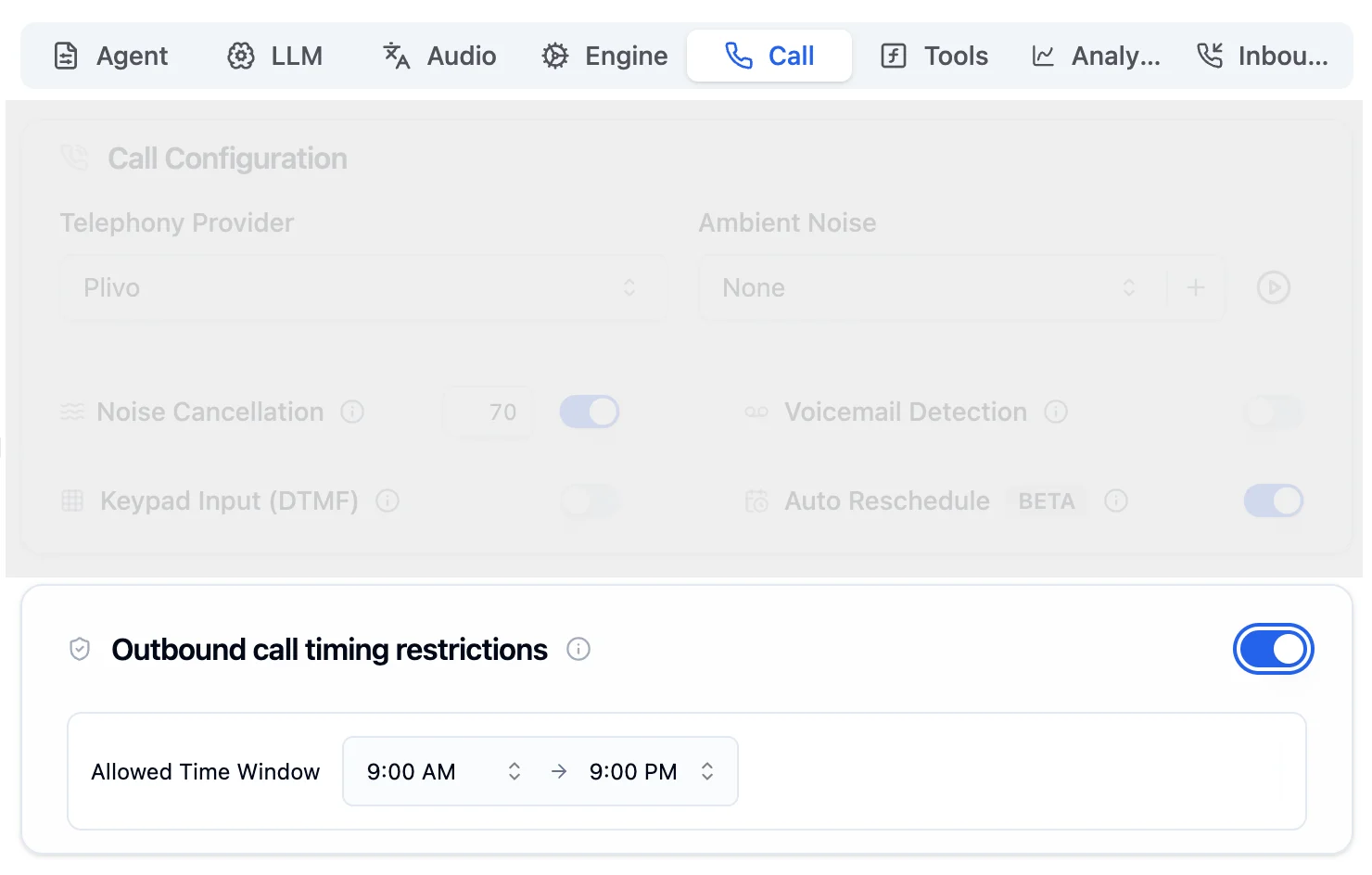
Toggle on Outbound call timing restrictions in the Call Tab. It is off by default.
Calls Are Validated Automatically
When a call is triggered, the system checks the current time in the recipient’s local timezone (detected from their phone number).
Within Window: Call Goes Through
If the time falls inside the allowed window, the call is made immediately.
The time window is based on the recipient’s timezone, not yours. A 9 AM start means 9 AM where the recipient is located.
Configure via API
You can also set calling guardrails through the API when creating or updating an agent. Usecall_start_hour and call_end_hour in 24-hour format.
| Field | Type | Description |
|---|---|---|
call_start_hour | integer (0-23) | Start of the allowed calling window |
call_end_hour | integer (0-23) | End of the allowed calling window |
Hours use 24-hour format: 0 = midnight, 9 = 9 AM, 17 = 5 PM, 21 = 9 PM.
call_end_hour must be greater than or equal to call_start_hour.Bypass Guardrails for Urgent Calls
Use thebypass_call_guardrails flag to skip time validation for a specific call. When set to true, the call goes through immediately regardless of the configured window.
Emergency Notifications
Time-sensitive alerts that cannot wait
VIP / Priority Calls
High-priority calls that need immediate delivery
Common Use Cases
Business Hours Only (9 AM - 5 PM)
Business Hours Only (9 AM - 5 PM)
Restrict calls to standard business hours so your agent only reaches out during the workday.Calls triggered outside this window are automatically rescheduled to 9 AM the next day in the recipient’s timezone.
Extended Hours for Sales (9 AM - 9 PM)
Extended Hours for Sales (9 AM - 9 PM)
Sales teams often reach prospects in the evening. Extend the window while still avoiding late-night calls.
Bypass for Testing in Development
Bypass for Testing in Development
During development, use the bypass flag to test call flows at any time without waiting for the allowed window.
In-Call Reschedule Validation
When a recipient asks to reschedule during a call (e.g., “call me back at 10 PM”), the system validates the requested time against the allowed window before scheduling it. Validation priority:| Priority | Source | Description |
|---|---|---|
| 1 | Calling guardrails config | call_start_hour / call_end_hour always takes precedence |
| 2 | Agent prompt | If no guardrails are set, the LLM reads time restrictions from the system prompt |
| 3 | Default window | Falls back to 9 AM to 9 PM if neither is configured |
Keep your agent prompt and guardrails config consistent. If the prompt says “call between 10 AM and 6 PM” but guardrails are set to 9 AM to 9 PM, the stricter guardrails config takes priority.
Calling Regulations to Know
Many countries enforce strict rules on when businesses can make outbound calls. Calling guardrails help you stay compliant.| Region | Regulation | Allowed Hours |
|---|---|---|
| India | TRAI (Telecom Regulatory Authority of India) | 9:00 AM to 9:00 PM IST. No calls on national Do Not Disturb (DND) registered numbers without consent. |
| United States | TCPA (Telephone Consumer Protection Act) | 8:00 AM to 9:00 PM in the recipient’s local time. Prior express consent required for automated calls. |
| European Union | ePrivacy Directive | Varies by member state. Most restrict unsolicited calls to business hours and require prior consent. |
Next Steps
Call Tab
Configure telephony, noise, and call settings
Batch Calling
Schedule calls in bulk with CSV uploads
Auto Retry
Automatically retry unanswered calls
Make Calls API
Full API reference for the call endpoint