

What is Caller Identification?
Link your inbound phone numbers to custom data sources. When a call comes in, your Bolna Voice AI agent automatically identifies the caller, matches their number, and pulls in relevant details like name, address, preferences, past history, or any data you provide. Configure this in Agent Studio under Calling tab → Inbound Calling → Database for inbound phone numbers: turn on Inbound Calling, select an inbound number, then pick a data source from the Select data source dropdown (see the Inbound Calling settings).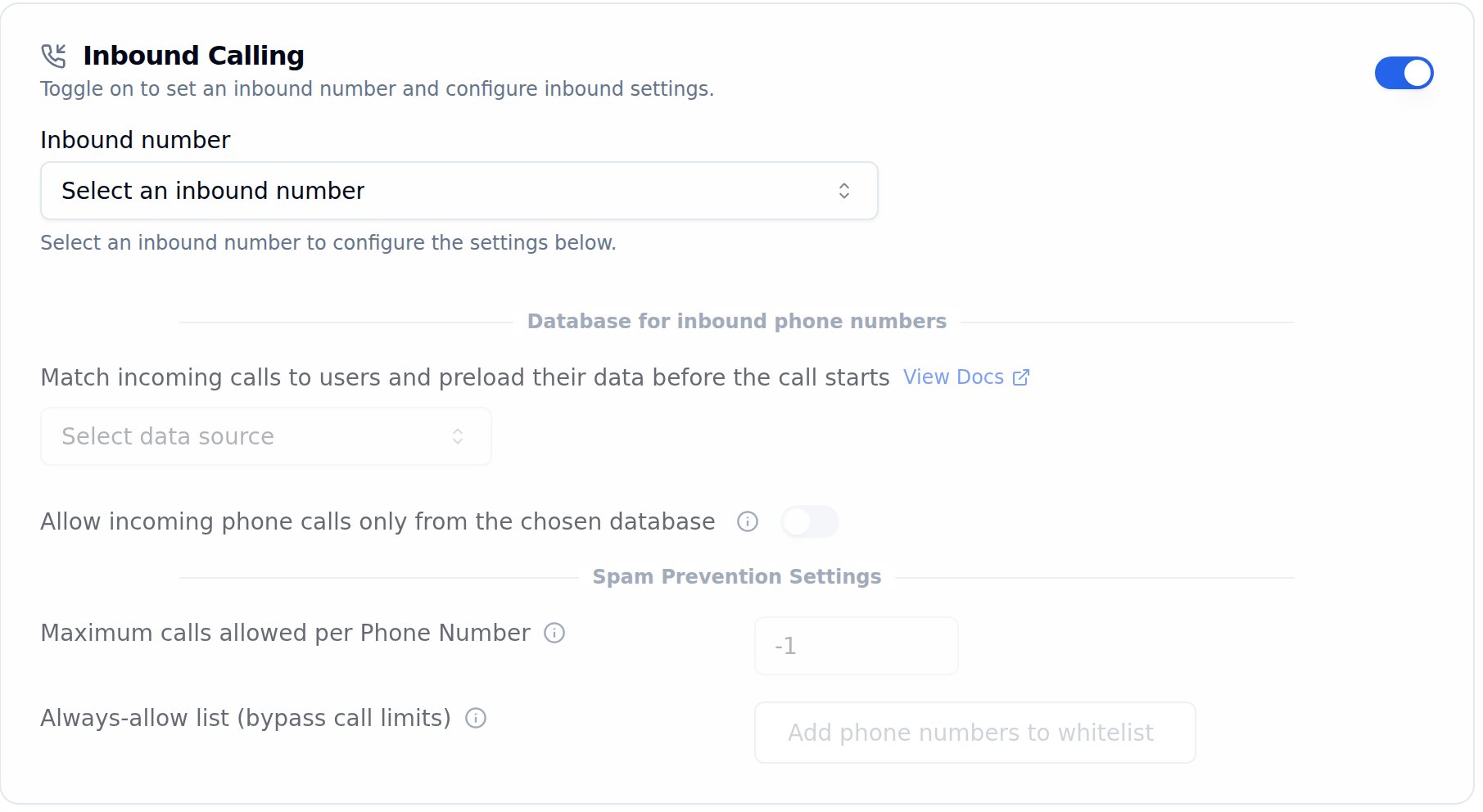
Database for inbound phone numbers, inside Inbound Calling on the Calling tab
Data Source Options
- Internal API
- CSV Upload
- Google Sheets
Best for: Teams with existing databases or CRM systems.Provide an API endpoint that accepts the caller’s phone number. Bolna automatically sends the following parameters:The returned JSON data is automatically merged into the AI prompt before the call begins. Each top-level key of the response becomes a variable: flat values fill
Choosing Use your internal APIs reveals an endpoint URL field and an auth token field next to the data source dropdown.Example request:
{{variable}} tokens, and nested objects or arrays are reachable with dotted paths (for example {{account.balance}} or {{orders.0.status}} — see Nested JSON Variables). Make sure your prompt paths start at a top-level response key and mirror the JSON structure exactly.- The endpoint must be a GET endpoint
- Supported authentication: Bearer Token
Related Features
Block Incoming Callers
Reject spam numbers or prefixes by returning an empty result
Inbound Call Setup
Configure inbound calling for your agents
Using Context
Pass dynamic data to personalize conversations
IVR Setup
Route inbound calls with IVR menus