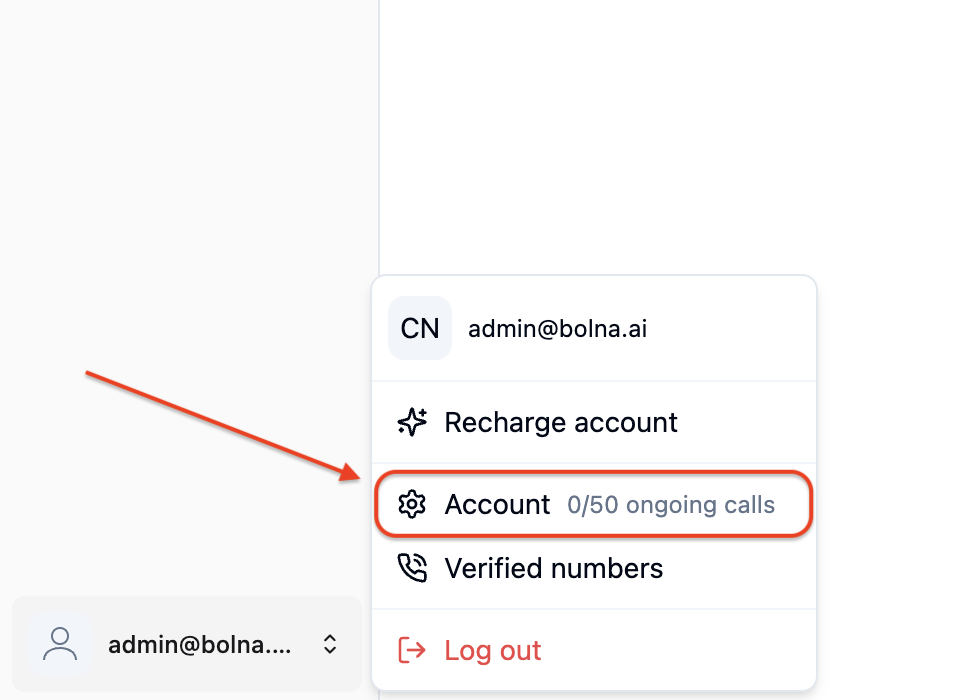
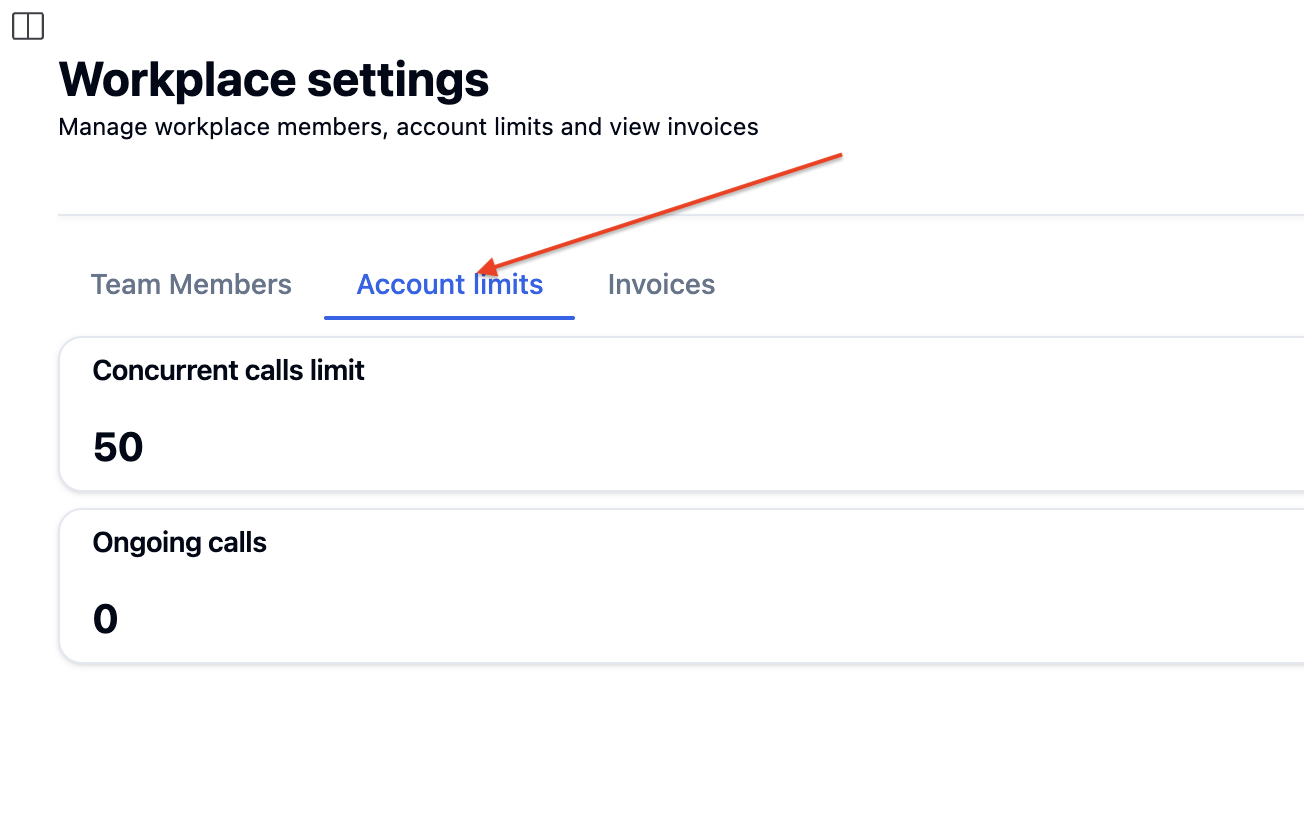
Concurrency limits determine how many simultaneous outbound calls your account can make at once. Higher call volumes automatically increase your concurrency tier, ensuring smooth operations for growing businesses.
Trial accounts
Up to 2 concurrent calls, restricted to verified phone numbers only.
Paid accounts
Starts at 10 concurrent calls, scaling automatically with monthly usage.
Enterprise
Elevated concurrency levels for high-volume operations. Calls over your limit are automatically queued.
Inbound calls
No concurrency limits - inbound calls are never restricted or queued.
You can read more about our enterprise offering here Bolna enterprise.
Running an organization with sub-accounts? See Concurrency management for how a shared concurrency pool is split across accounts using guaranteed minimums and maximum caps.
Outbound calls that don’t fit your concurrency limit are queued, not rejected. They dial automatically as active calls finish, so a batch or campaign larger than your limit still runs end to end — it just paces itself.
Your queued calls are tracked per telephony provider, so what happens on one provider doesn’t affect the others:
One busy provider won't stall the rest
If one provider is temporarily out of capacity, your calls on the other providers keep dialing at your usual concurrency instead of waiting behind it.
Your own provider keys don't share capacity
Calls placed on your own provider account are limited only by your account concurrency — never by how busy that provider is for other Bolna customers.
Calls over SIP trunking (BYOT) are the exception to the point above: they run on Bolna’s SIP infrastructure, so they share platform capacity even though the trunk is yours.
Dialing is not first-come-first-served across your whole queue. Your concurrency limit is split evenly between the providers you have calls waiting on, and any share a provider can’t use passes to the others. Within a single provider, calls dial in the order they were queued.Example — your limit is 700, with 15,000 calls queued on provider A and 15,000 on provider B:
Queued on
Slots used
Provider A
350
Provider B
350
Both providers dial continuously at 350 concurrent calls, each working through its own queue in order — so neither campaign has to wait for the other to finish. If provider A only had 200 calls waiting, it would use 200 slots and provider B would get the remaining 500.Inbound calls are never queued, regardless of provider.