

Opening the test panel
With nothing selected on the canvas, the inspector shows three tabs: Agent setup, Tools, and Test agent. Click Test agent.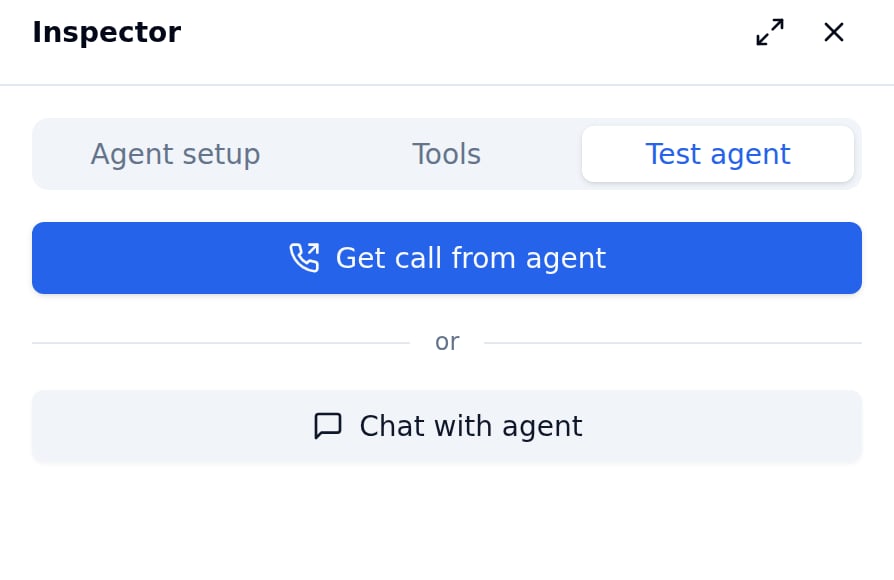
Chat mode
Chat mode simulates a conversation with your agent as a text exchange. This is the fastest way to verify routing logic, node transitions, and prompt behaviour. How to use:- With nothing selected on the canvas, click the Test agent tab in the inspector.
- Click Chat with agent.
- Type a message and press Enter to send it.
- The agent’s response appears in the chat panel, along with which node is active.
Chat mode tests the text-level logic — prompts, routing, and transitions. It does not test TTS voice quality, STT transcription accuracy, or audio latency.
Call mode
Call mode initiates a real outbound call using the agent’s full configuration — TTS, STT, telephony, and all. How to use:- With nothing selected on the canvas, click the Test agent tab in the inspector.
- Click Get call from agent, enter the phone number in E.164 format (e.g.
+919876543210), and confirm. - Answer the phone. The agent runs exactly as it would in production.
What to check
Use the test panel to verify:- The welcome message sounds right with your variable values filled in.
- Routing transitions fire correctly — the agent moves to the expected node when you say what each condition describes.
- Rule (expression) transitions based on turn counts, time of day, or other built-in variables fire at the right moment.
- Static nodes play the correct message.
- Function tools are invoked on the right node.
- Silence handling (Auto-replay on silence) behaves as expected.